CSV: Encode Node
The CSV: Encode Node allows a workflow to encode an object array on the payload into a CSV string.
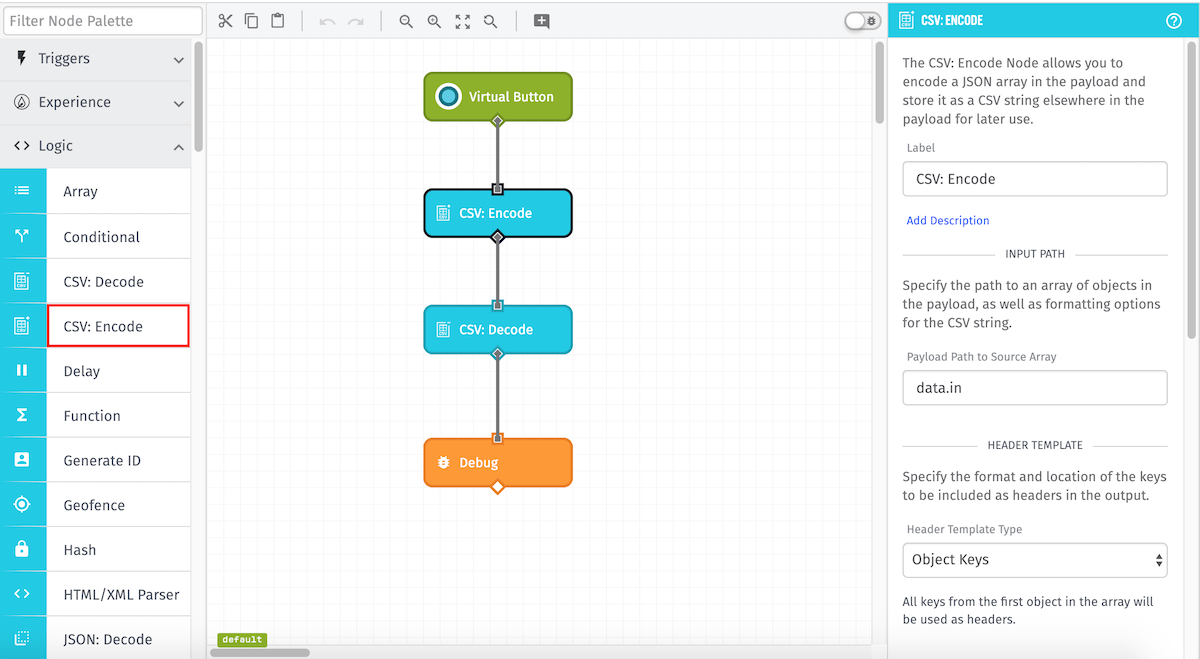
Node Properties
There are four main parts to the configuration of this node...
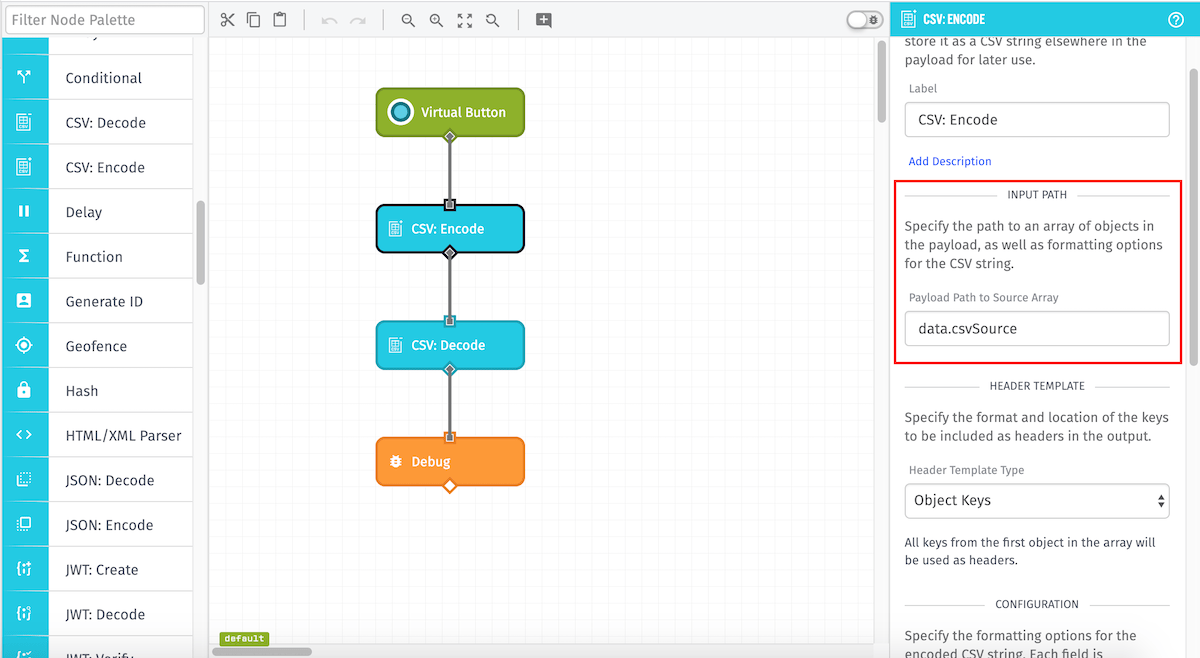
Input Path
This required field specifies the payload path where the object array to be encoded is located.
CSV Headers
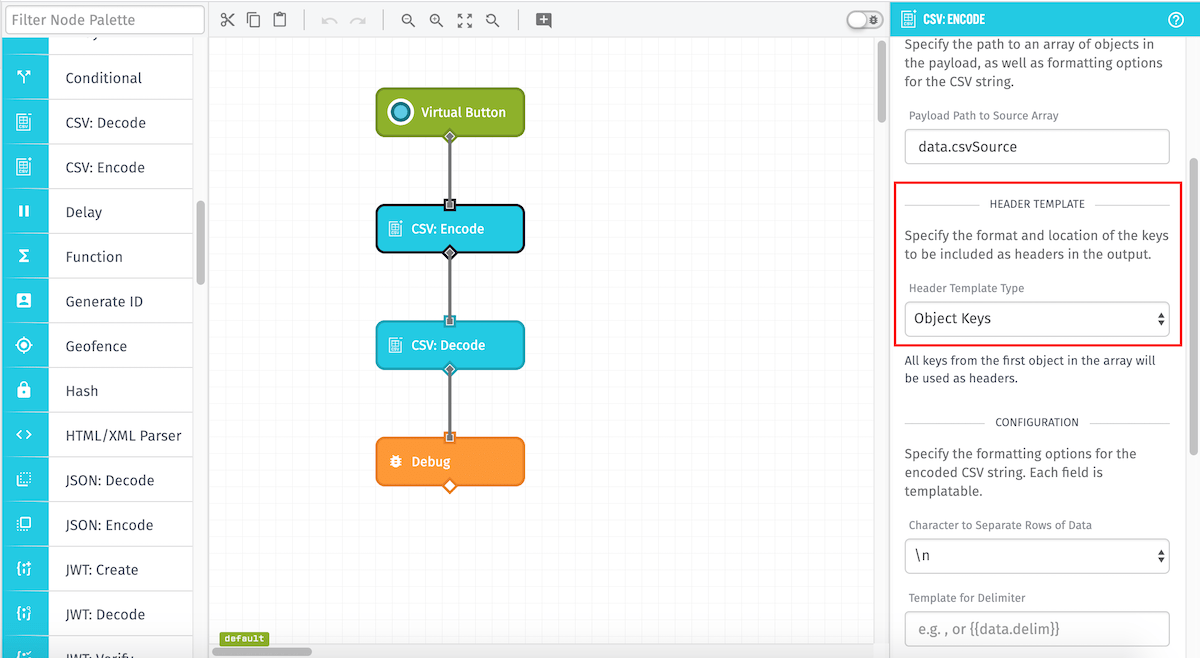
There are three different ways to control the headers of the encoded CSV string - "Object Keys", "Individual Fields", and "Payload Path". The last two settings allow you to customize what headers will appear in the output CSV string, while the first setting is a simpler default.
-
Object Keys: The default option. The CSV: Encode Node will read all the keys of the first given object and include all of them as headers for the encoded CSV string.
-
Individual Fields: Provide up to 10 string templates that will each be included as a header. Any object keys not included here will be excluded from the output.
-
Payload Path: Specify a payload path that contains an array of headers to include. Any object keys not included in the array will be excluded from the output.
Configuration
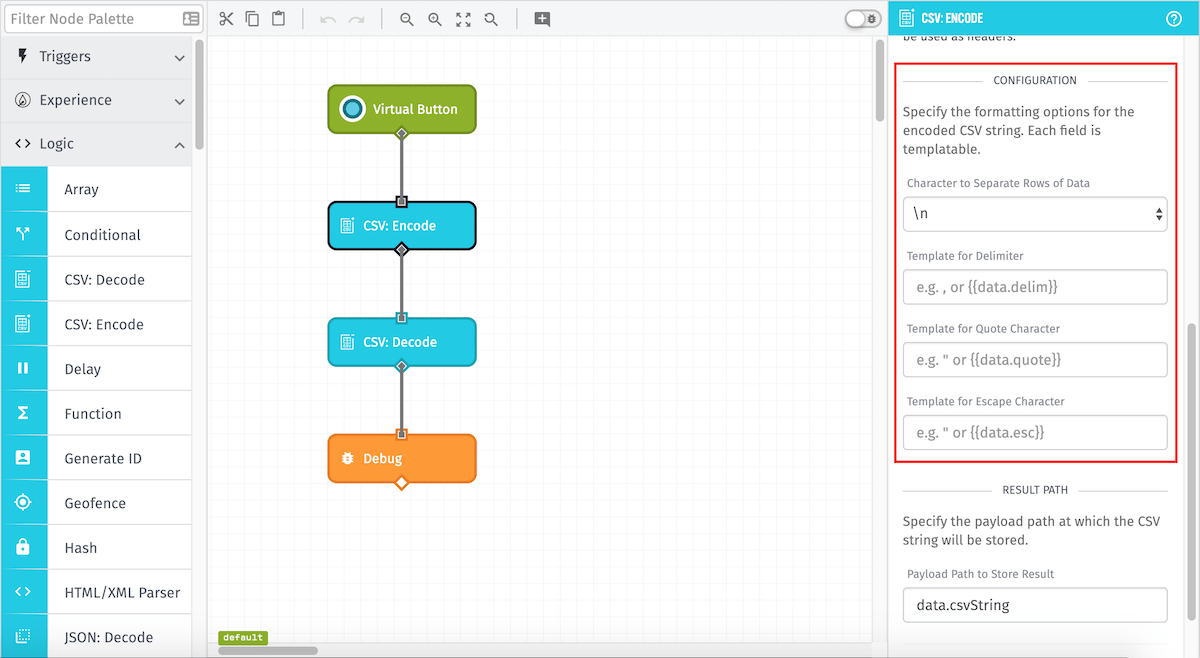
This section contains four fields that specify the format for the encoded CSV string:
-
Character to Separate Rows of Data: (Optional) This is the character used to separate rows of data. Default \n.
-
Template for Delimiter: (Optional) A string template to override the delimiter. This character is used to separate columns of data. Must be a single character. Leave blank to default to comma (
,). -
Template for Quote Character: (Optional) A string template to override the quote character. Must be a single character. Leave blank to default to double-quote (
"). -
Template for Escape Character: (Optional) A string template to override the escape character. Must be a single character. Leave blank to default to double-quote (
").
Result Path
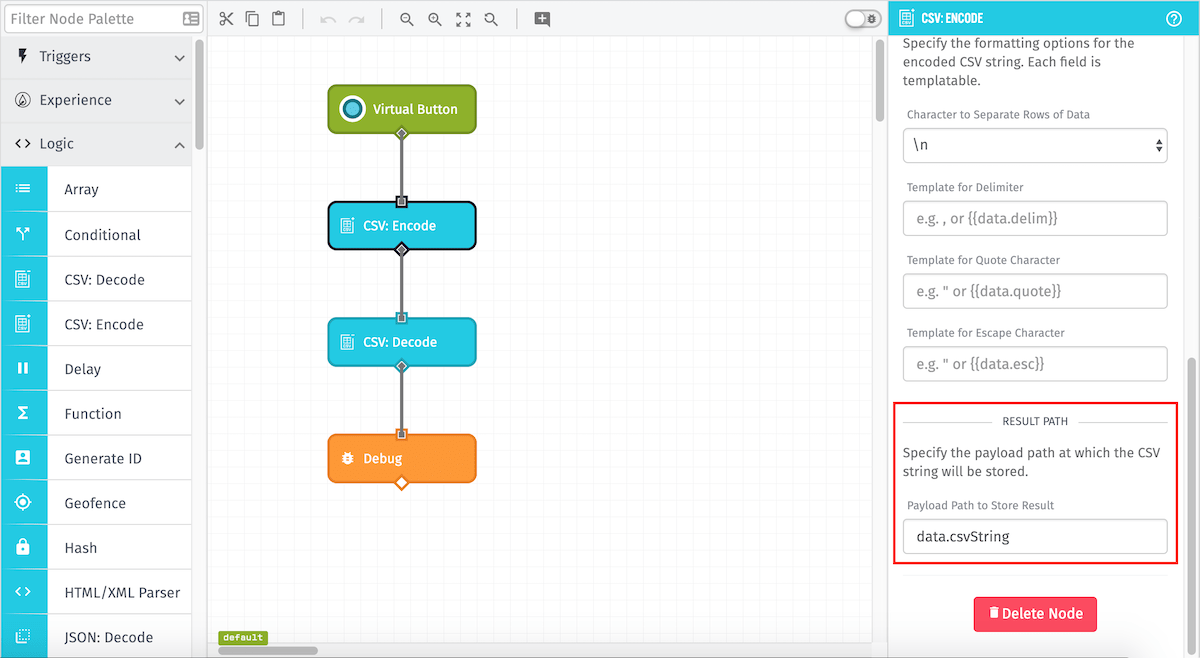
This required field specifies the payload path where the encoded CSV string will be placed.
Node Example
In this particular instance, the workflow will encode the object array at the data.in path and place the resulting CSV string at data.csvString.
So, for the following input payload...
{
...
  "data": {
   "in": [
    {
     "Drink": "Soda",
     "Food": "Burger"
    },
    {
     "Drink": "Water",
     "Food": "Taco"
    }
   ]
  }
...
}
The CSV: Encode Node would give the following output payload:
{
...
  "data": {
    "csvString": "Food,Drink\nBurger,Soda\nTaco,Water\n",
    "in": [
    {
     "Drink": "Soda",
     "Food": "Burger"
    },
    {
     "Drink": "Water",
     "Food": "Taco"
    }
   ]
  }
...
}
Node Errors
The following is an example of a failed operation:
{
  "error": {
    "type": "InvalidType",
    "message": "Type of input row is invalid (expected Array or Object but got String)"
  }
}
Templates and paths which evaluate to invalid input will still error the workflow like so:

Related Nodes
Was this page helpful?
Still looking for help? You can also search the Losant Forums or submit your question there.