Loggly: Write Node
The Loggly: Write Node sends one or more messages to SolarWinds Loggly either as strings or as structured JSON data.
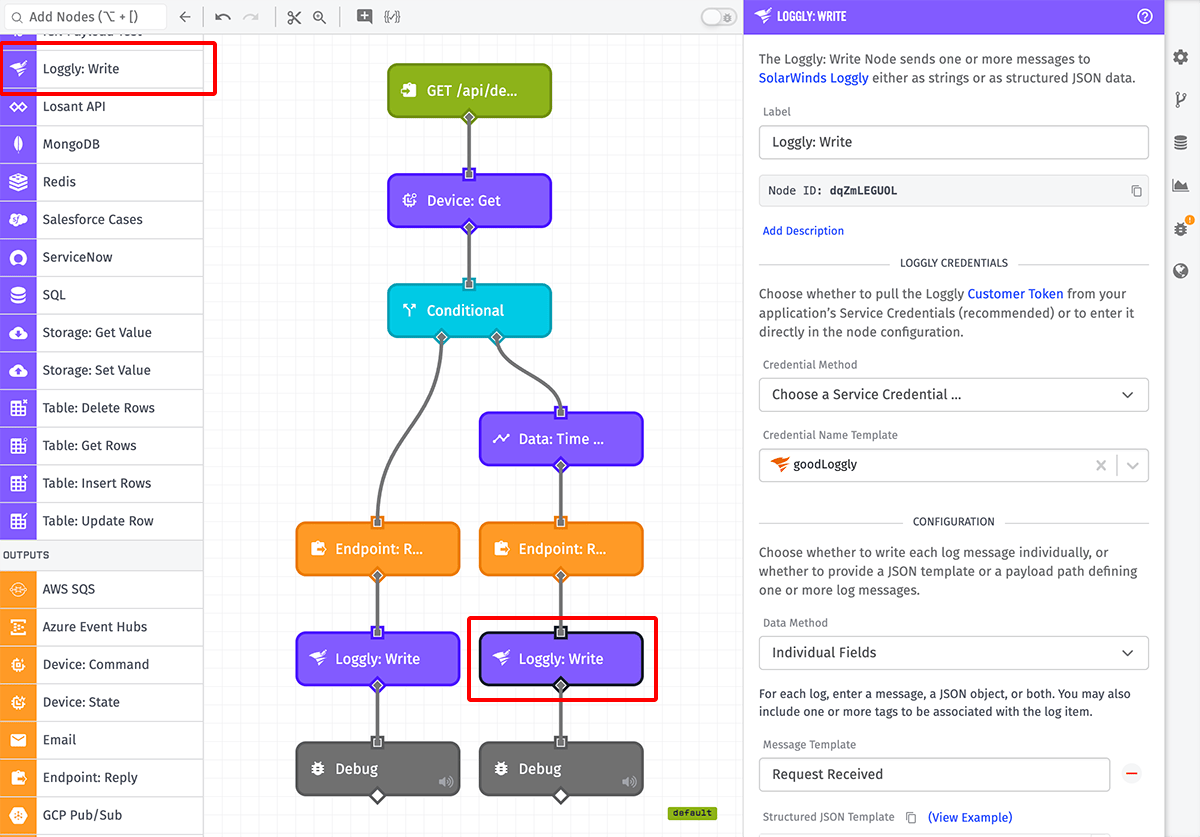
Node Properties
There are three configuration sections for this node.
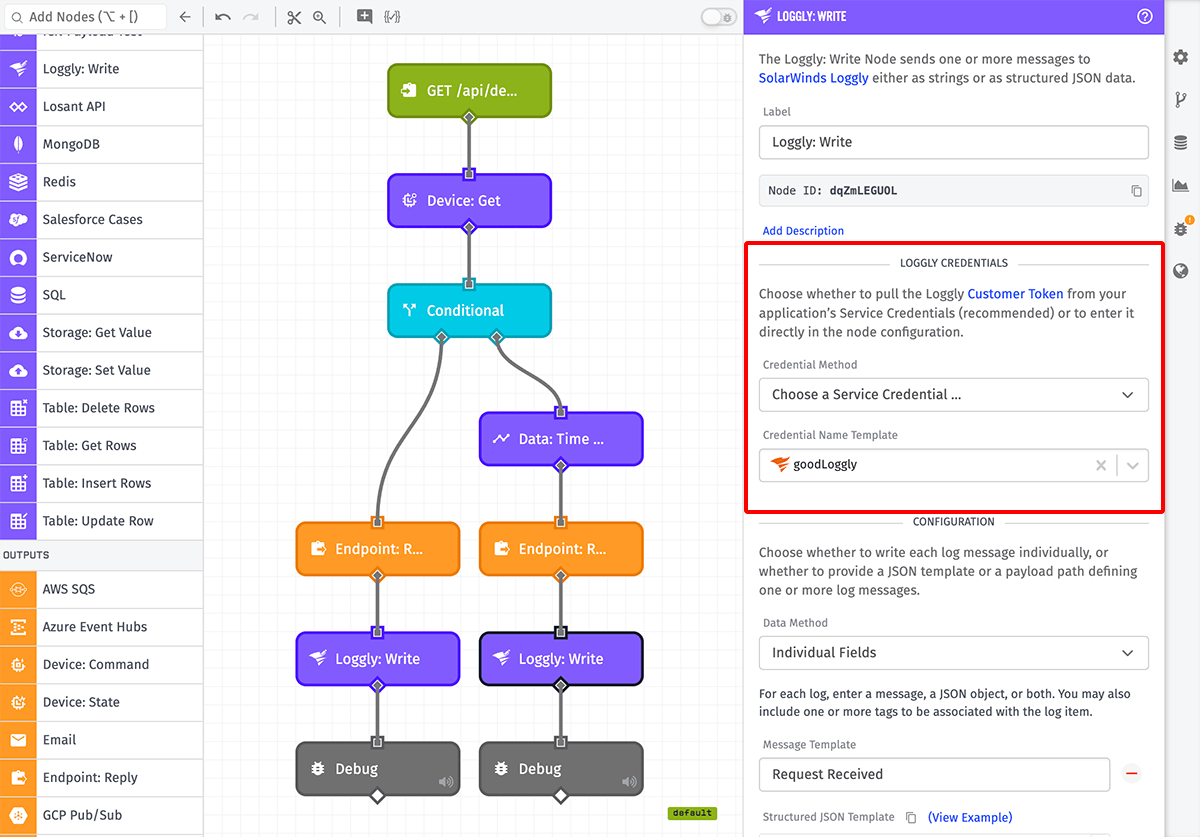
Loggly Credentials
First, choose whether to enter your Loggly Customer Token within the node, or to select one of your application's Service Credentials for authenticating the request (recommended). Regardless of the chosen method, the token / credential name field is required and accepts string templates.
Note: Pulling the Customer Token from a Service Credential is not supported in Edge Workflows.
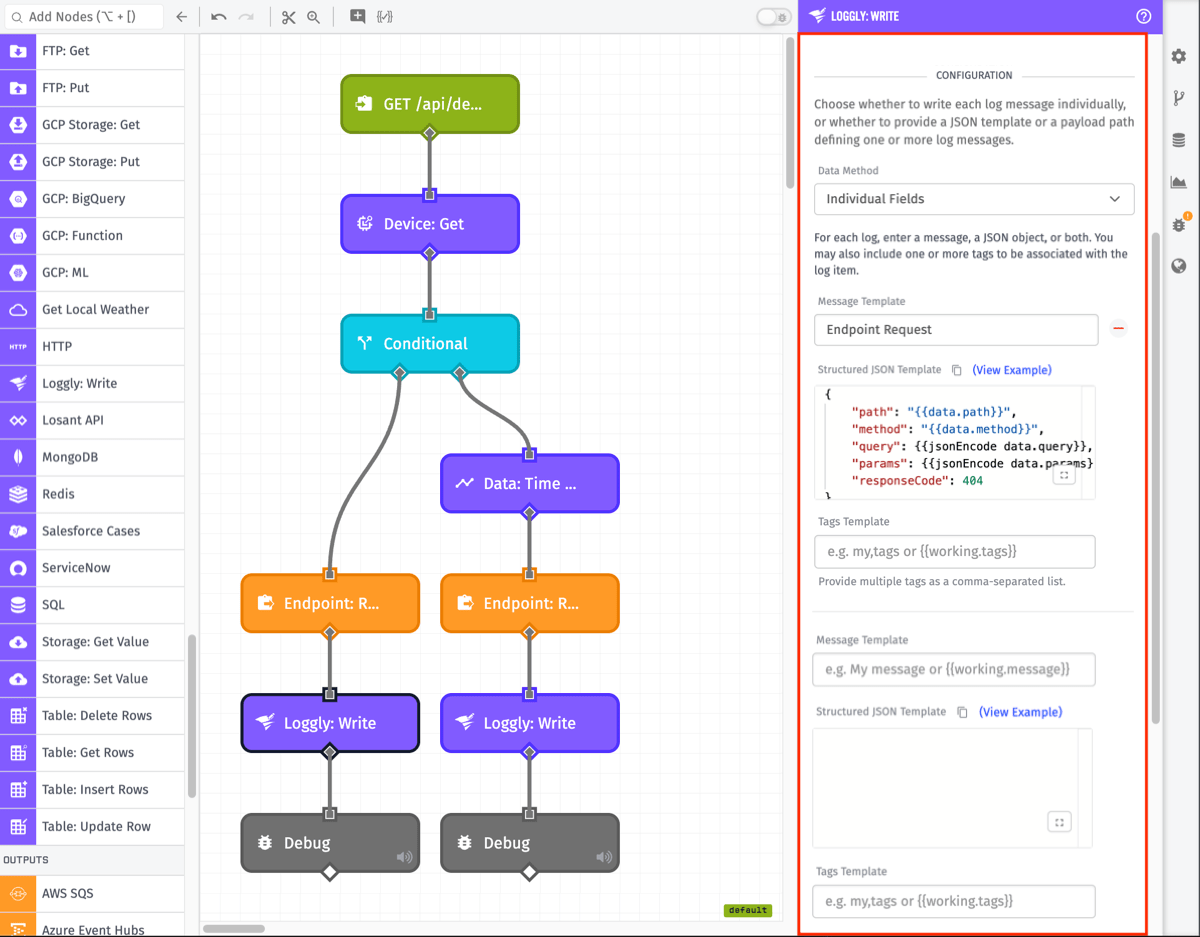
Configuration
Data Method - Choose whether to write each log message individually, or whether to provide a JSON template or a payload path defining one or more log messages.
- Individual Fields allows you to enter one or more log entries. For each entry, provide a message as a string template and/or structured data as a JSON template. Either the message or the JSON is required for each entry. Optionally, each entry may also include one or more tags as a comma-separated list.
- JSON Template accepts a JSON template and it is a required field. The template must include
message(string) and/orjson(structured JSON) properties, and optionally atagsproperty (array of strings). You may also provide an array of such templates to send multiple messages. - Payload Path accepts a payload path and is a required field. The value at the provided path must be an object with properties
message(string) and/orjson(structured JSON), and optionally atagsproperty (array of strings). You may also reference an array of such objects to send multiple messages.
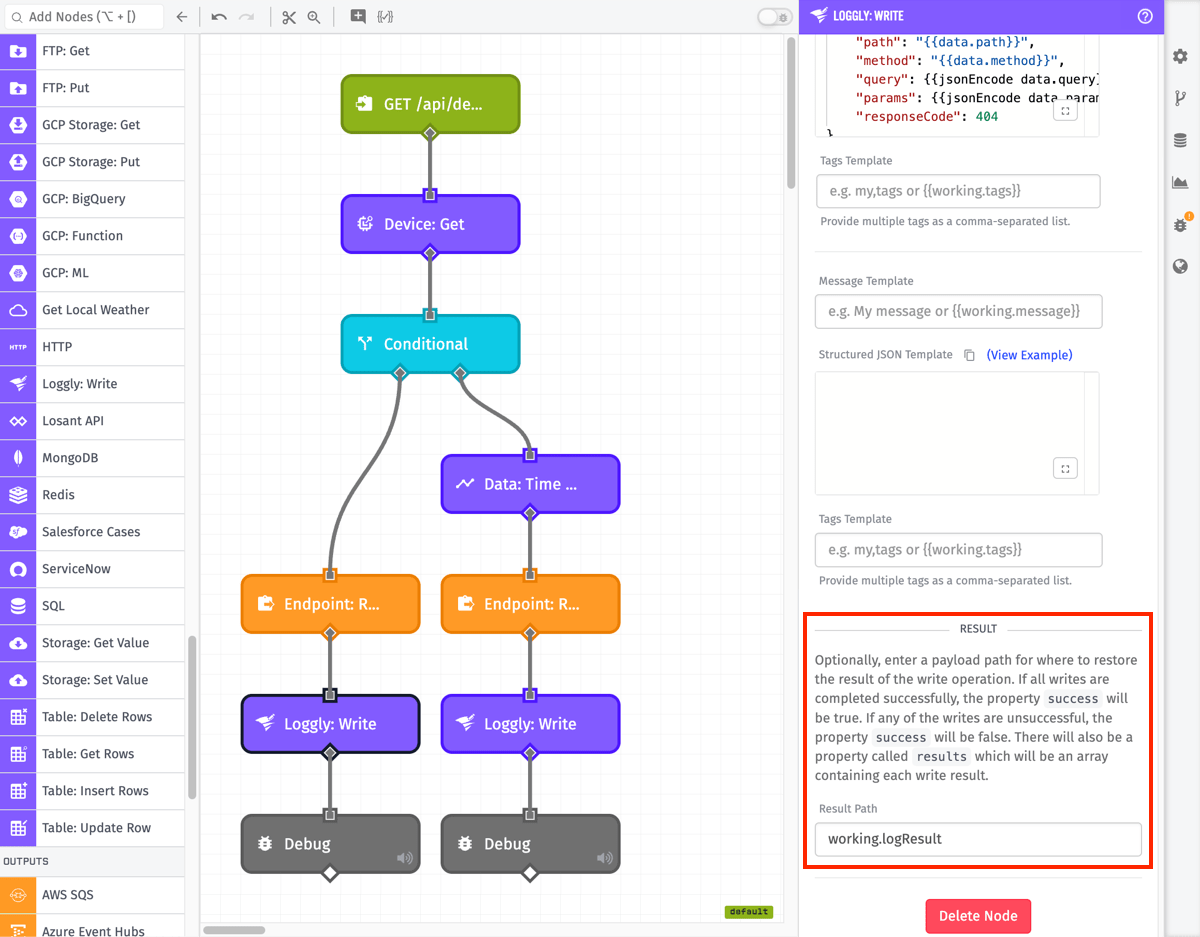
Result
Optionally, you can store the message response on the current payload by entering a payload path here. The value will be an object with the following properties:
success:trueif all messages were sent successfully,falseif any failed.results: Present when log data was resolved successfully. An array of objects, one per message, each with asuccessboolean and, when unsuccessful, anerrorstring describing the send failure.error: Present instead ofresultswhen the log data could not be resolved before sending (for example, an invalid JSON template or a missing payload path value). Contains a string describing the problem.
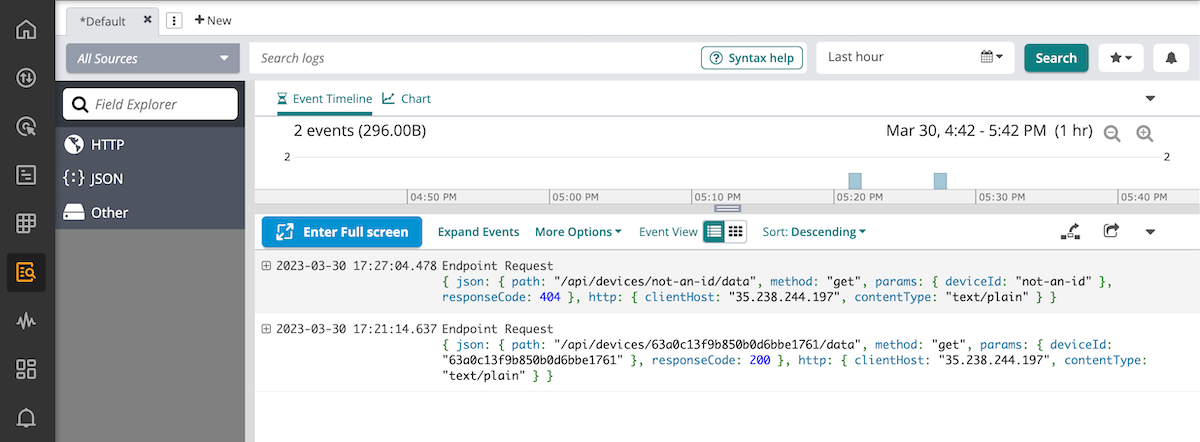
Once the node is configured and invoked in a workflow, the resultant Loggly messages will look similar to this:
Related Nodes
Was this page helpful?
Still looking for help? You can also search the Losant Forums or submit your question there.