Table: Delete Rows Node
The Table: Delete Rows Node allows a workflow to delete one or more existing rows from a Data Table inside the current application.
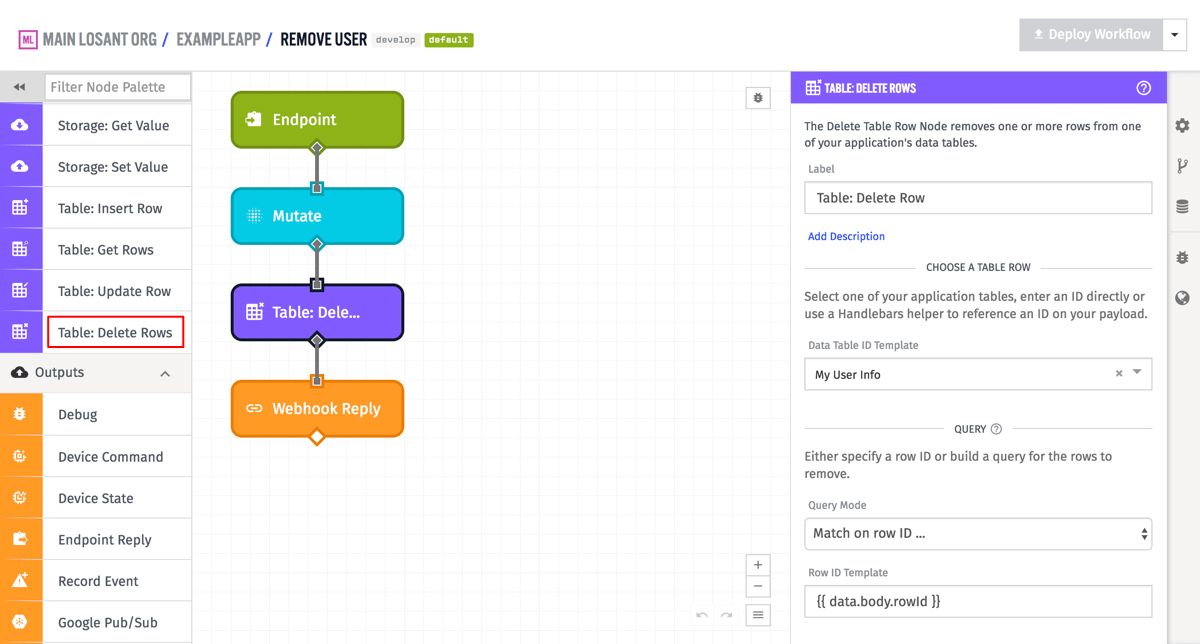
Configuration
The node has three configuration sections - the data table from which to delete the rows, defining what rows to delete, and a payload path for storing the result of the deletion.
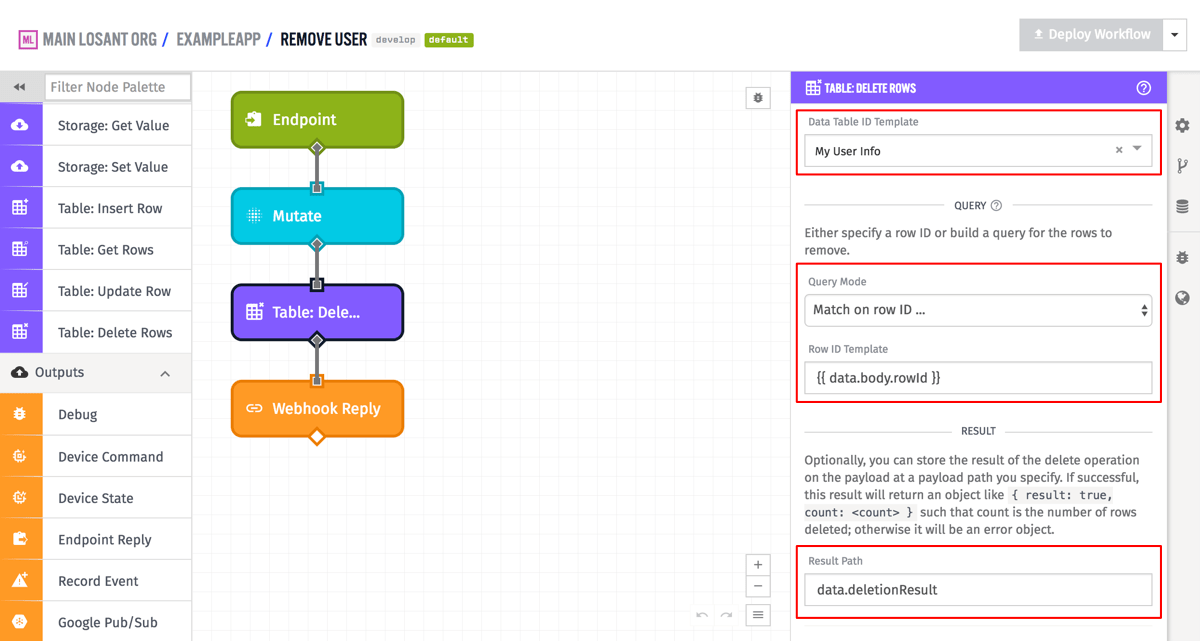
There are two options for defining what rows to delete:
- Row ID Template: Allows deletion of a single row based on row ID. The row ID field is templatable, and so supports finding a row based on the current workflow payload. The example above is doing exactly that, and is referencing the field
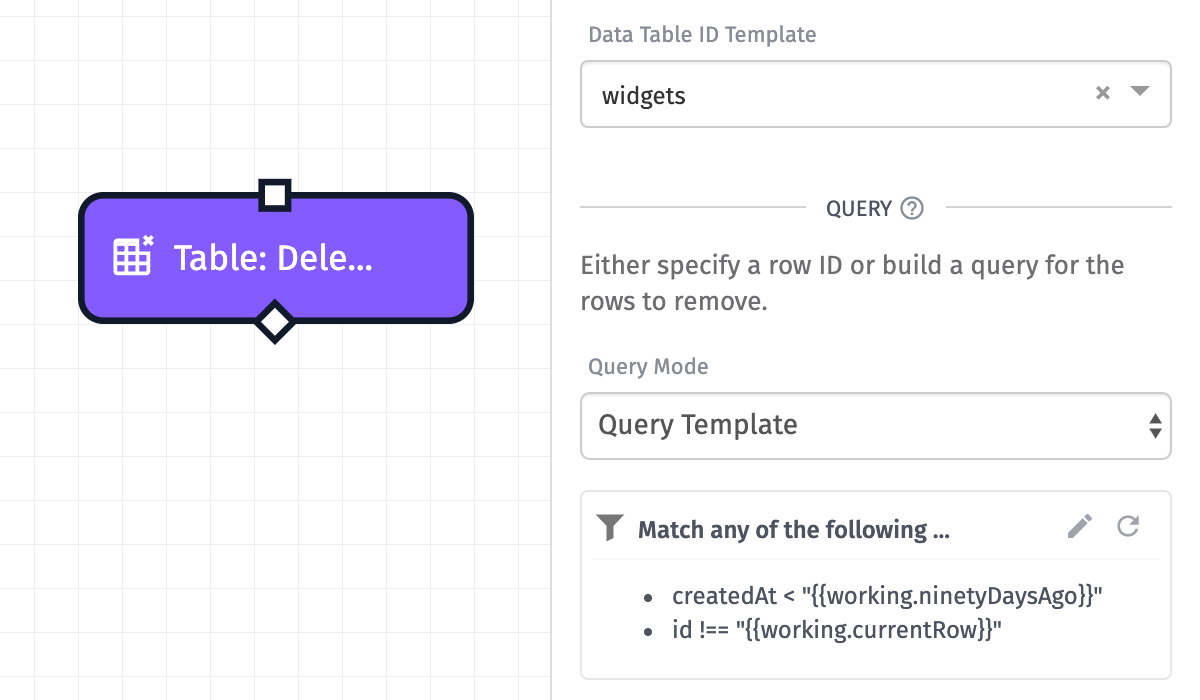
data.body.rowIdon the workflow payload. - Query Template: Allows building an advanced query using a JSON template. Rows that match the query will be deleted. When using Query Template, you can optionally specify a Limit Template to cap the number of rows deleted. This field is templatable and supports numeric values or Handlebars expressions. The default limit is 1,000 and the maximum is 10,000.
Optionally, the node also takes a payload path to store the result of the deletion. If the node successfully found and deleted rows, an object of the form { result: true, count: <count> } will be placed at the payload path, where count is the number of rows deleted. If there was an error during deletion (e.g., row not found, invalid query), the value at the payload path will be { error: { type, message } }, where type is the error type (e.g., NotFound) and message describes the error. Note that some errors (such as infinite loop detection when a workflow is triggered by the same data table it is modifying) are thrown as workflow errors and will halt execution rather than be caught at the Result Path. In the example above, this value will be placed at data.deletionResult.
Was this page helpful?
Still looking for help? You can also search the Losant Forums or submit your question there.